
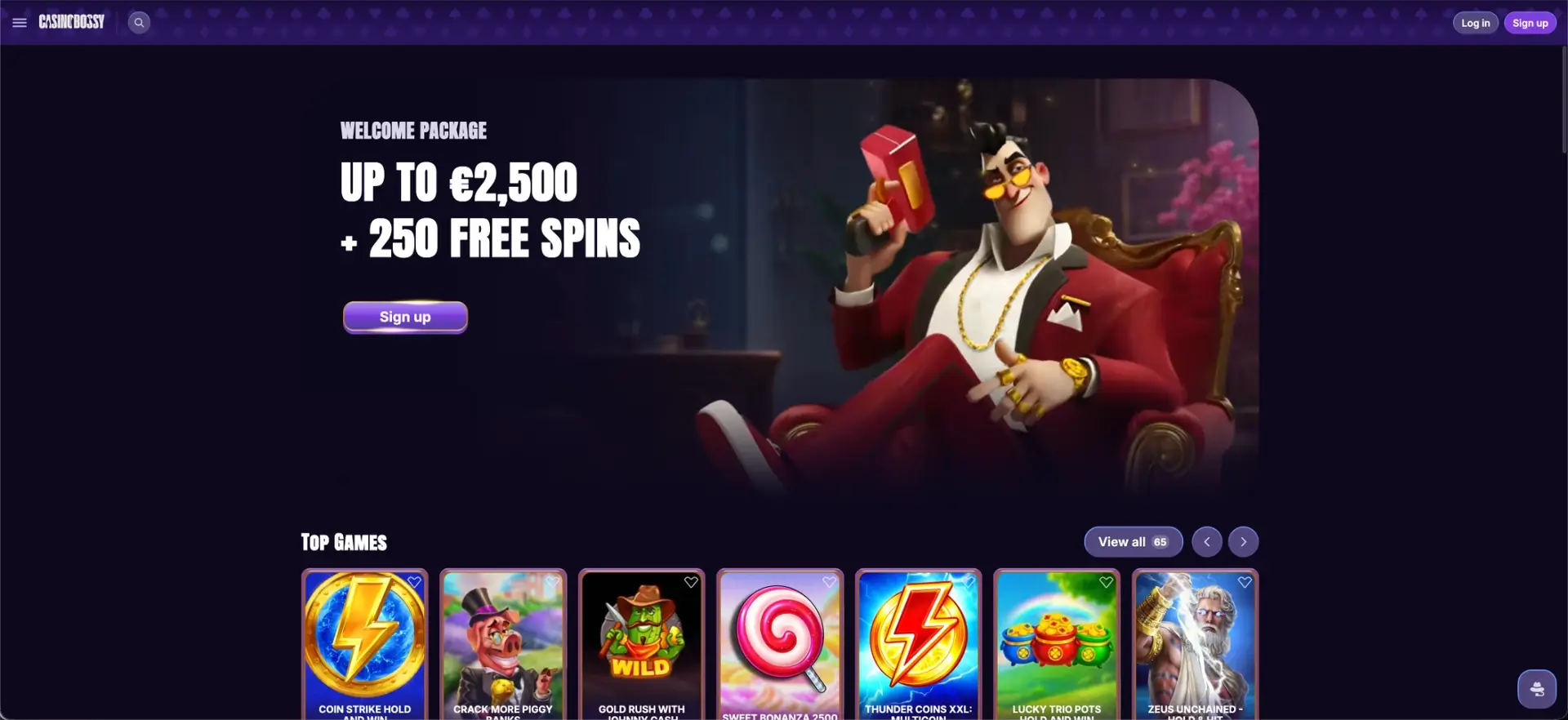
CasinoBossy does not have a store download for the App Store or Google Play. Instead, it offers an installable web app (PWA) that adds to the home screen and opens like a native app, plus a fully responsive site that runs in any mobile browser on iOS and Android. Either way, the CasinoBossy app gives access to the same 6,000+ games, the same bonuses, the full sportsbook and the CAD cashier as desktop. This page explains how to install it in three steps, what works on mobile, and how payments and security are handled.
Because the app runs through the browser rather than a downloaded file, there is nothing heavy to install and no manual updates to manage. The sections below cover installation, features and mobile payments for Canadian players.
| Feature | Mobile details |
|---|---|
| Download required | No - runs entirely in the browser |
| Format | Progressive web app (PWA) + responsive site |
| iOS access | Safari, Chrome or any modern browser |
| Android access | Chrome, Firefox or any modern browser |
| Home-screen shortcut | Available on both iOS and Android |
| Game catalogue | 6,000+ titles - same as desktop |
| CAD deposits and withdrawals | Full cashier available on mobile |
| Bonuses | Welcome package, cashback, reloads and tournaments |
| Live casino and sports | Streamed tables and the full sportsbook |
| Push notifications | Optional, for new promotions |
| Updates | Automatic, in the background |
| Security | TLS/SSL encryption - same as desktop |
Is there a CasinoBossy app for Android or iOS?
There is no separate native app to download from an app store. CasinoBossy uses a progressive web app instead - a version of the site that installs to the home screen and runs in its own window, without the file size or store approvals of a native build. It works the same way on Android and iOS, so no device is left out.
The responsive site is the other route: opening casinobossyca.org in a mobile browser adapts the layout to the screen automatically, with the full catalogue and cashier intact. The PWA simply adds a home-screen icon and a cleaner, app-like window on top of that.
How to install the CasinoBossy app
Installing the web app is a short, three-step process that works from any mobile browser. No account is needed to install it, though one is required to play:
- Open casinobossyca.org in a mobile browser.
- Open the browser menu and select Add to Home Screen.
- Confirm on the pop-up panel to finish.
After that, tapping the CasinoBossy icon opens the account directly, without loading a browser first.
iOS (Safari)
On an iPhone or iPad, open casinobossyca.org in Safari, tap the Share icon at the bottom of the screen, scroll to Add to Home Screen, confirm the name, and tap Add. The icon then appears on the home screen.
Android (Chrome)
On Android, open casinobossyca.org in Chrome, tap the three-dot menu in the top-right corner, choose Add to Home screen (or "Install app"), and confirm. The shortcut lands on the home screen like any other app.
Features available on mobile
The mobile version is not a cut-down build - it mirrors the desktop platform. Everything a player needs is reachable from the phone:
- Full catalogue - all 6,000+ slots, live tables, crash and instant-win games.
- Live casino - Evolution, Pragmatic Play Live and ICONIC21 tables streamed in the browser.
- Sportsbook - pre-match and live betting across every discipline, in one wallet.
- Cashier - CAD deposits and withdrawals with the same methods as desktop.
- Bonuses - welcome package, cashback, rakeback, reload codes and tournament opt-ins.
- Account tools - Wallet, History and Profile, including responsible-play controls.
Optional push notifications keep players informed about new and limited-time promotions without needing to open the account first.
Performance on mobile
The PWA format is built for steady performance on a phone rather than raw file size. Its design carries a few practical advantages:
- Minimal footprint - no heavy download, so it uses little storage, data and battery.
- Faster load times - smart caching and service workers speed up repeat visits and transitions.
- Cross-device continuity - one set of login details works across phone, tablet and desktop.
- Automatic updates - the app refreshes silently in the background, always connecting to the latest version.
Live streams, slots and the sportsbook run in the mobile browser, and some account information stays reachable even on a weaker connection thanks to caching.
Mobile payments and withdrawals in CAD
The full cashier is available on mobile, with the same Canadian-dollar methods and limits as desktop. The standard minimum deposit is C$30, and withdrawals start from C$75:
| Method | Minimum (CAD) | Notes |
|---|---|---|
| Visa / Mastercard | C$30 | Instant deposit |
| Interac | C$30 | Instant deposit, popular in Canada |
| Apple Pay / Google Pay | C$30 | One-tap deposit on mobile |
| Skrill / Neteller | C$30 | Instant deposit, fast withdrawal |
| Cryptocurrency (BTC, ETH, LTC, USDT) | C$30 | Fastest withdrawals |
Withdrawal requests are processed within up to 72 hours, after which the method's own timing applies. Deposited funds must be wagered at least three times before a withdrawal, and a one-time KYC check is completed before the first payout.
Security on the mobile version
Running through the browser keeps the web app simple to secure. Because nothing is installed from a file, there is no download that could carry malware, and the app's protection matches the site itself.
Mobile sessions use the same TLS/SSL encryption as desktop, support two-factor authentication, and benefit from the same activity monitoring. The single login shared across devices means security settings set once apply everywhere.
Usage tips for Canadian players
A few small steps make the mobile app smoother to live with day to day:
- Add the site to the home screen for one-tap access instead of typing the address each time.
- Turn on push notifications to catch limited-time reloads and tournaments.
- Set the account currency to CAD and use Interac or crypto for the quickest cashier flow.
- Enable two-factor authentication before the first deposit.
With the app installed and CAD selected, deposits, play and withdrawals all run from the phone without switching to desktop.
Frequently asked questions
The questions below cover how the CasinoBossy app works on mobile.
Does CasinoBossy have a mobile app?
There is no App Store or Google Play download. CasinoBossy offers an installable web app (PWA) plus a fully responsive site, both giving the same games, bonuses, sportsbook and cashier as desktop.
How do I install the CasinoBossy app?
Open casinobossyca.org in a mobile browser, open the browser menu, select "Add to Home Screen", and confirm. The icon then opens the casino directly.
Is the CasinoBossy app free of storage and battery drain?
The web app keeps a minimal footprint because there is no heavy file to download, so it uses little storage, data and battery compared with a native app.
Can I deposit and withdraw in CAD on the app?
Yes. The full cashier works on mobile in Canadian dollars, with a C$30 minimum deposit and withdrawals from C$75, using cards, Interac, e-wallets and crypto.
Is the CasinoBossy app secure?
Yes. It runs over TLS/SSL encryption, supports two-factor authentication, and installs nothing from a file, so there is no download that could carry malware.
Do I need to update the CasinoBossy app?
No. The web app updates silently in the background, so it always connects to the latest version without manual updates.
Play responsibly
Set limits before you play, never chase losses and check the latest bonus and withdrawal terms on the operator website.